Desktoplings
A downloadable pet for Windows and macOS
Desktoplings — Your Desktop Beagle Companion! 🐶
Bring a cute, interactive, and autonomous Beagle companion directly to your desktop! Desktoplings runs as a lightweight, borderless overlay that sits above your workspace, tracks your cursor, wags its tail, and plays with you.
Available natively for both macOS and Windows.
🌟 Features
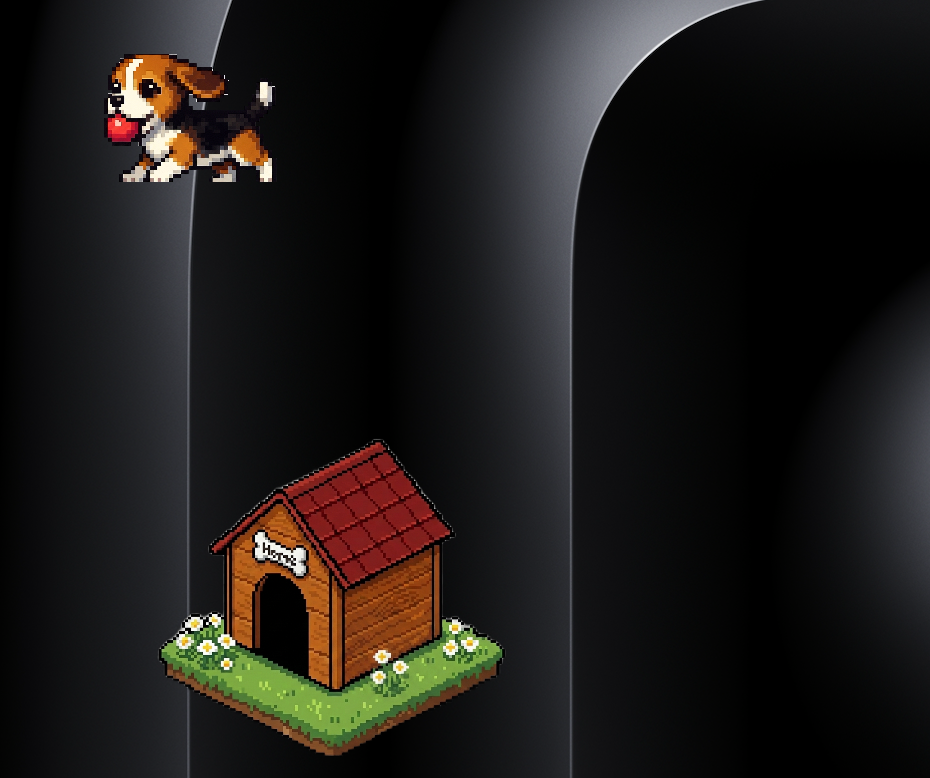
- Interactive Play — Drag and drop the dog anywhere. Toggle ball mode to watch it play!
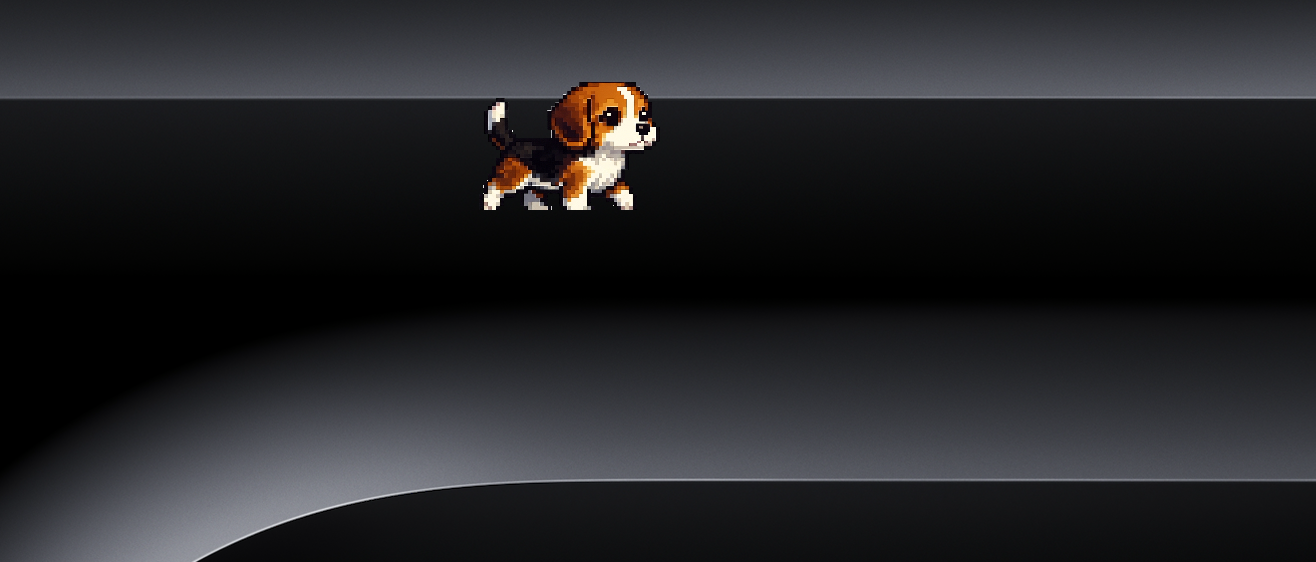
- Cursor Tracking — The dog accelerates, walks, runs, and sprints to catch up with your cursor.
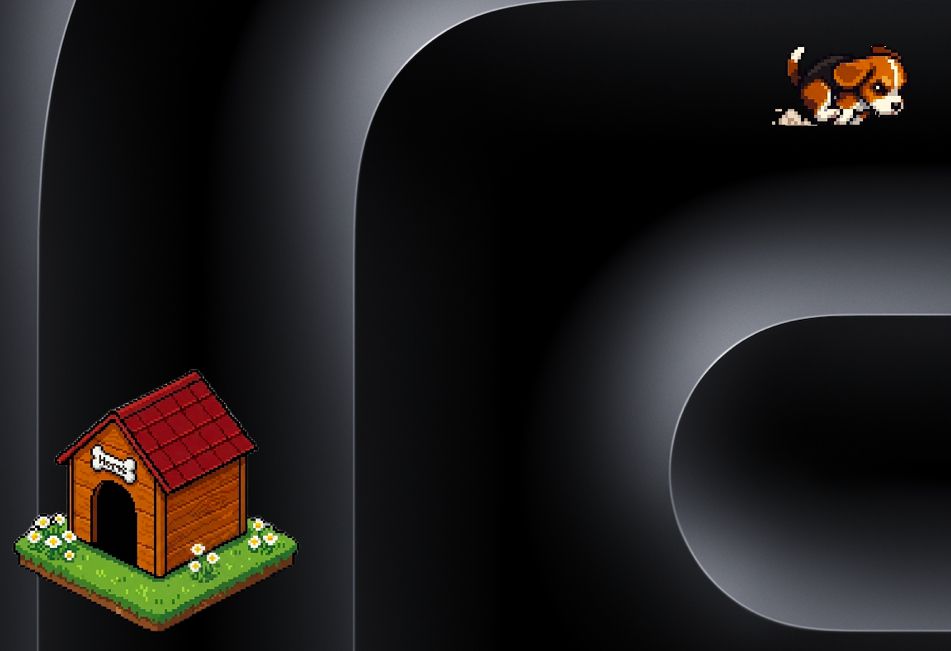
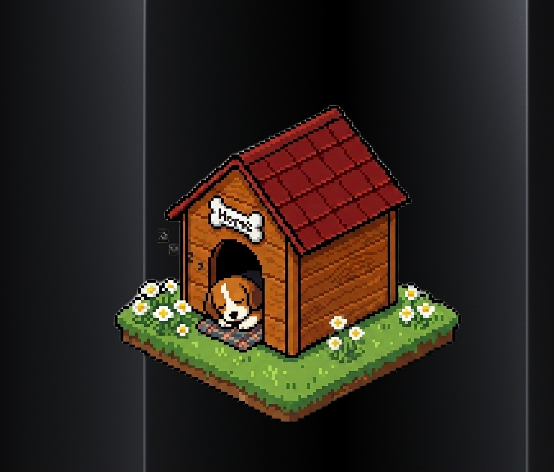
- Draggable Dog House — Place the dog house anywhere on your screen. Right-click it to tether the dog (orbiting the house).
- Smart Workspace Separation — When tethered or sleeping, the dog moves to the desktop background layer and won't block full-screen apps or active browser tabs.
- Autonomous States — The dog wags its tail, sits down, lies down, and falls asleep when you leave your PC idle.
💾 Installation Instructions
💻 For Windows
- Extract the downloaded
.zipfile. - Double-click
companion.exeto run. - If a blue Windows SmartScreen protection popup appears, click "More info" and then "Run anyway".
- To activate the companion, you'll need a license key. Contact me at potlasrisharanchowdary@gmail.com to get your key.
🍎 For macOS
- Open the downloaded
Desktoplings_Installer.dmgand dragDesktoplings.appinto your Applications folder. - Because the app is ad-hoc signed, macOS Gatekeeper will block it on first launch. To bypass this, open the Terminal app and run:
bash
xattr -cr /Applications/Desktoplings.app
- Launch Desktoplings from your Applications folder. Grant Accessibility permissions when prompted (required for cursor tracking).
- To activate the companion, you'll need a license key. Contact me at potlasrisharanchowdary@gmail.com to get your key.
🛠️ Support
Having trouble downloading, installing, or need a license key? Reach out — happy to help directly.
Download
Install instructions
💾 Installation Instructions
💻 For Windows
- Extract the downloaded
.zipfile. - Double-click
companion.exeto run. - If a blue Windows SmartScreen protection popup appears, click "More info" and then "Run anyway".
- To activate the companion, you'll need a license key. Contact me at potlasrisharanchowdary@gmail.com to get your key.
🍎 For macOS
- Open the downloaded
Desktoplings_Installer.dmgand dragDesktoplings.appinto your Applications folder. - Because the app is ad-hoc signed, macOS Gatekeeper will block it on first launch. To bypass this, open the Terminal app and run:
bash
xattr -cr /Applications/Desktoplings.app
- Launch Desktoplings from your Applications folder. Grant Accessibility permissions when prompted (required for cursor tracking).
- To activate the companion, you'll need a license key. Contact me at potlasrisharanchowdary@gmail.com to get your key.
🛠️ Support
Having trouble downloading, installing, or need a license key? Reach out — happy to help directly.
Leave a comment
Log in with itch.io to leave a comment.